This post may contain affiliate links. If you make a purchase through these links, I may earn a commission at no additional cost to you. Learn more about our affiliate policy.
The first time I tried to choose a feature image for my blog post, I spent almost an hour inside a free stock library and left with nothing I actually liked.
I knew the look I wanted. I had seen it on other blogs, that cohesive, editorial feeling where every image seems to belong to the same world.
But scrolling through millions of free photos, I had no language for it and no way to find it. The images I eventually picked looked fine on their own yet wrong when placed together on the same blog.
If you pull your blog images from free stock photo sites, you probably know this feeling. Each photo is lovely by itself. The blog as a whole still looks like it was assembled from five different blogs.
And if you have experimented with an AI image generator, you may have noticed the same problem in a different costume: every image comes out in a slightly different style, and none of it feels like yours.
The fix has nothing to do with becoming a designer. It comes down to one small practice that happens before you open any tool, and it ends with images no stock library can give you: ones that belong to your blog alone.
What you’ll walk away with
- Why free stock photos come out inconsistent, and why AI images do too
- How a simple moodboard becomes the anchor for every image decision
- The simplest way to start today, in about twenty minutes
- An easy first step into generating your own images, if and when you want to
Why your blog images feel inconsistent
The struggle with blog images sits earlier in the process than most bloggers think. You are choosing images without knowing what you are choosing toward.
A free stock library holds millions of beautiful photos, and without a reference point, every search becomes a fresh judgment call. You pick what looks good today.
Next week you pick what looks good that day. Six posts later, the blog has six moods.
There’s also a second problem free libraries can’t solve, however carefully you search: the photos don’t fully match your brand.
The image you finally settle on is sitting on hundreds of other blogs, doing the same work for someone else’s brand.
AI tools run into the first wall too. When each prompt describes a slightly different aesthetic, the results come out scattered. The tool is doing what it was asked. The problem is that the asking keeps changing.
Both problems share one solution: decide what your blog looks like once, and let every image decision flow from that.
Build a moodboard before you build anything else
A moodboard sounds like a designer’s task, and in practice it is just a Pinterest board with a clear feeling.
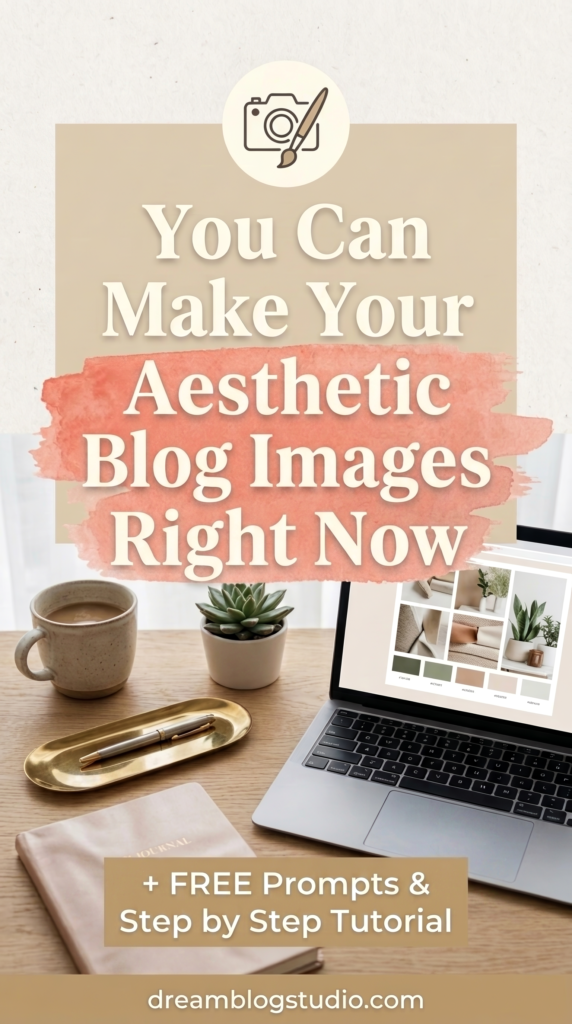
Spend twenty minutes saving images that match the mood you want your blog to have. Save photographs, interiors, styling, and light rather than pin templates or graphics. You are collecting a feeling, and Pinterest makes this easy because you already know it well.
You will already have this moodboard created if you follow this easy method for choosing your blog brand in one afternoon.
Then look at what your saved images have in common. Maybe the light is always soft. Maybe the colors stay muted. Maybe there is always open space in the frame.
That shared quality is your blog’s visual identity, and you just found it by noticing rather than by deciding from scratch.
From this point on, the board becomes your reference, and it immediately makes stock photos easier to use well. When you search a library, you hold every candidate against the board. Either a photo fits or it doesn’t, and the guesswork disappears.
Your sourcing improves too. Rather than defaulting to the same two free sites as everyone else, you can choose libraries whose entire catalog leans toward your aesthetic. I keep a running list of luxury stock photo sites for your lifestyle blog, free options included, curated for exactly this kind of intentional matching.
For many bloggers, a moodboard plus a well-chosen library is a complete system.
When you’re ready for images that are only yours
Here’s what that turning point looked like for me. The more defined my blogs’ aesthetics became, the more often I could picture the exact image a post needed and could not find it in any library.
Close, always. Exact, never.
That gap is where image generation with a consistent style comes in. Tools like Ideogram, Nano Banana, or even Canva’s image generation app can create custom images from a written description, and your moodboard is exactly what makes them work.
These tools accept can be given custom prompts with your blog’s style and common themes, so new images come out matching the aesthetic you already gathered rather than something random.
This solves both problems from the beginning of this post at once. The images match each other, because they all flow from one reference. And they belong to your blog alone, because they were made for it.
Original visuals matter most where images do traffic work, especially once you’re using Pinterest for blog traffic, where a recognizable style makes your pins identifiable as yours in a crowded feed.
You do not need prompt-writing experience for this, a short description of the scene you want does the rest. If your past experiments came out scattered, this anchor is almost certainly the piece that was missing.
I use this exact approach across my own blog. My style reference is a single sentence, pasted at the top of every prompt, and generating a feature image now takes less time than a stock library search ever did.
Get the prompt sequence
If you want to try this, I’ve put together the exact prompt sequence I use: one prompt that turns your moodboard into a written style guide, and one fill-in template for generating each image.
It’s free, and it means you never have to figure out what to type into these tools.
Keeping your images consistent over time
Consistency means every image feels like it belongs to the same blog, whatever its source. A well-matched stock photo and a generated image can sit side by side on the same page when both were chosen against the same board.
Before publishing any image, check three things:
- Does the light and overall tone match what is already on the blog?
- Does it fit the moodboard you built?
- Would it look at home here with no other context?
If the answer is yes, publish and move on. Lingering over individual images once the system is working is one of the more common ways blog production slows down.
The simplest possible starting point
Twenty minutes on Pinterest, one board, saved with intention. That is the entire setup.
Use the board to guide your stock photo choices starting today. When you feel ready for images that belong to your blog alone, the same board becomes your style reference, and the free prompt kit gives you the words.
When your images share one point of view, readers begin to recognize your blog before they read a single word. That recognition is what turns a visitor into a returner, and it starts with a reference point you can return to first.

Ready to build a profitable blog?
The Dream Blog Starter Vault is the complete, step-by-step path to a blog that earns passive income while you live your life.
Open the Vault